
Dive Board & Vessel Manifests, One Place
One board for all vessels: departures, diver manifests, walk-ins. Mark departed, served, no-show. Vessel allocations and fulfillment tracking that replace clipboards.
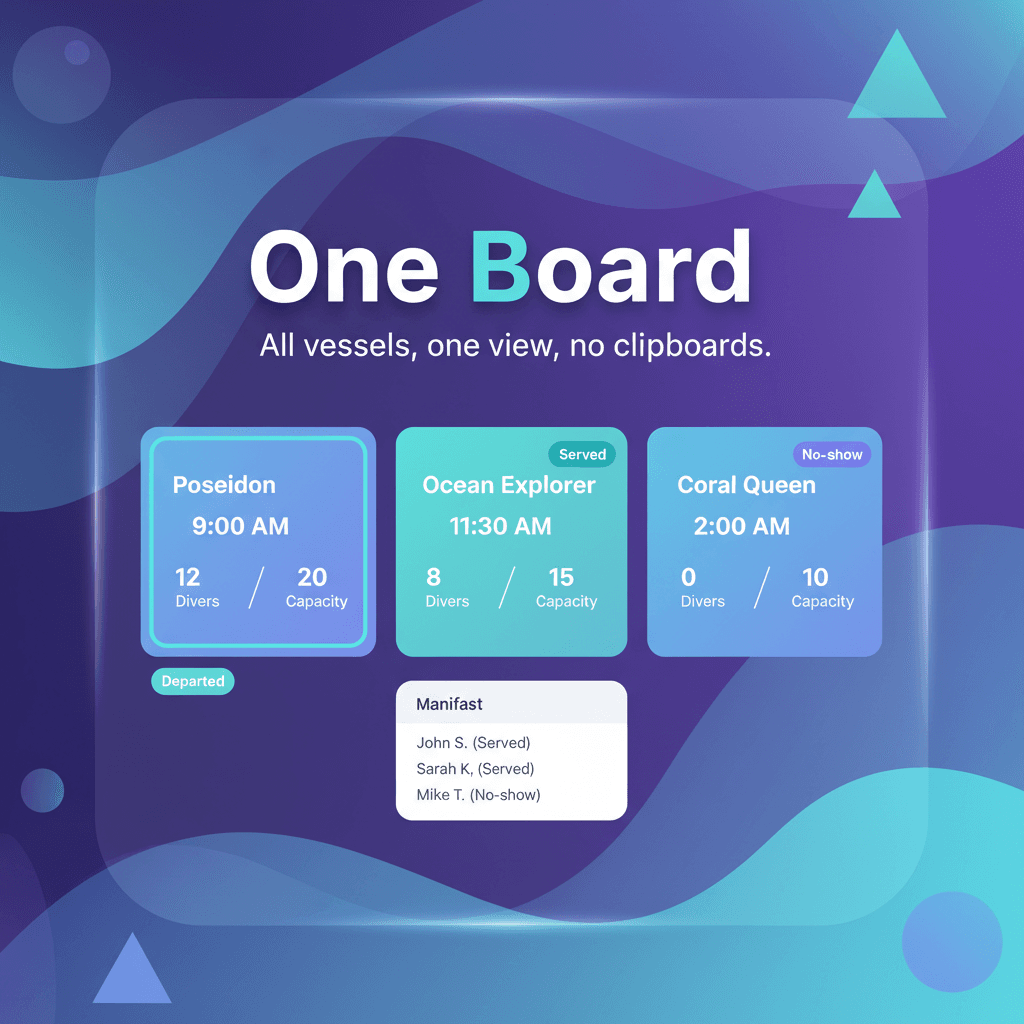
One Platform for Your Dive Center
Dive board, vessel allocations, and fulfillment—connected to reservations and accounting.
Trips & Vessels on the Board
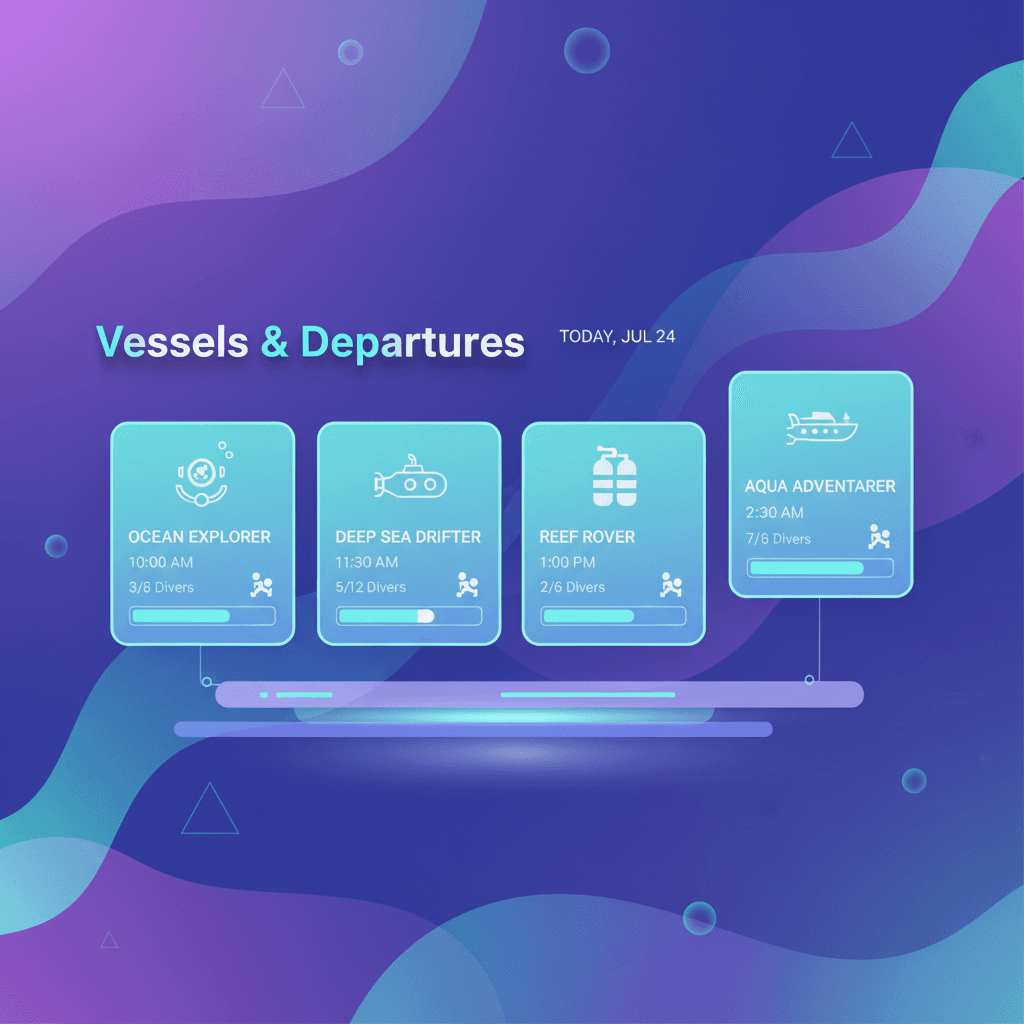
See all vessels and their departure times in one view. Each vessel card shows capacity, booked slots, and today's schedule. Block and unblock as needed.
- Vessel cards with departure times
- Capacity and bookings at a glance
- Resource schedules by day and slot
- Block and unblock vessels
Build the Manifest
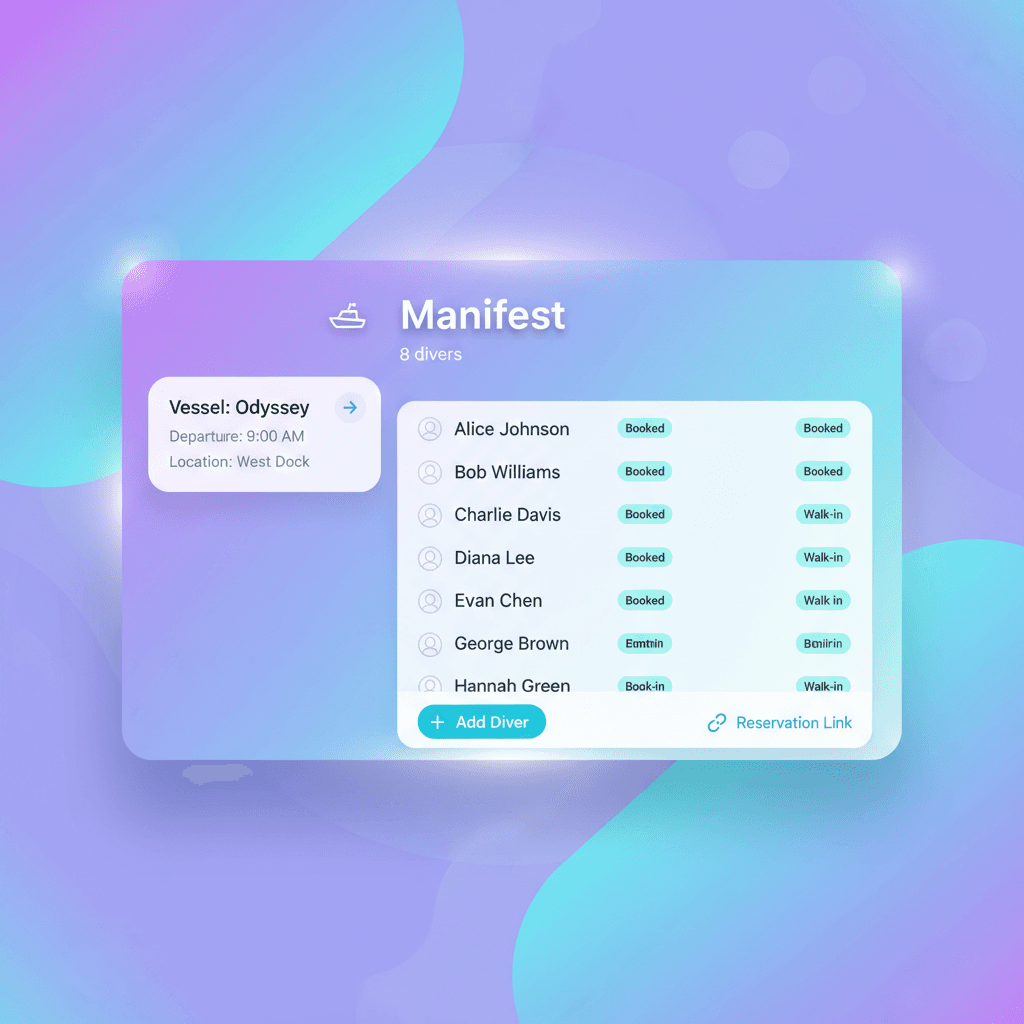
Diver list for each trip: who's booked, who's a walk-in. Add guests from reservations or on the spot. One manifest per vessel, per departure.
- Diver manifests per vessel and trip
- Reservations linked automatically
- Walk-in divers supported
- Names and counts in one place
Mark Departed, Served, No-Show
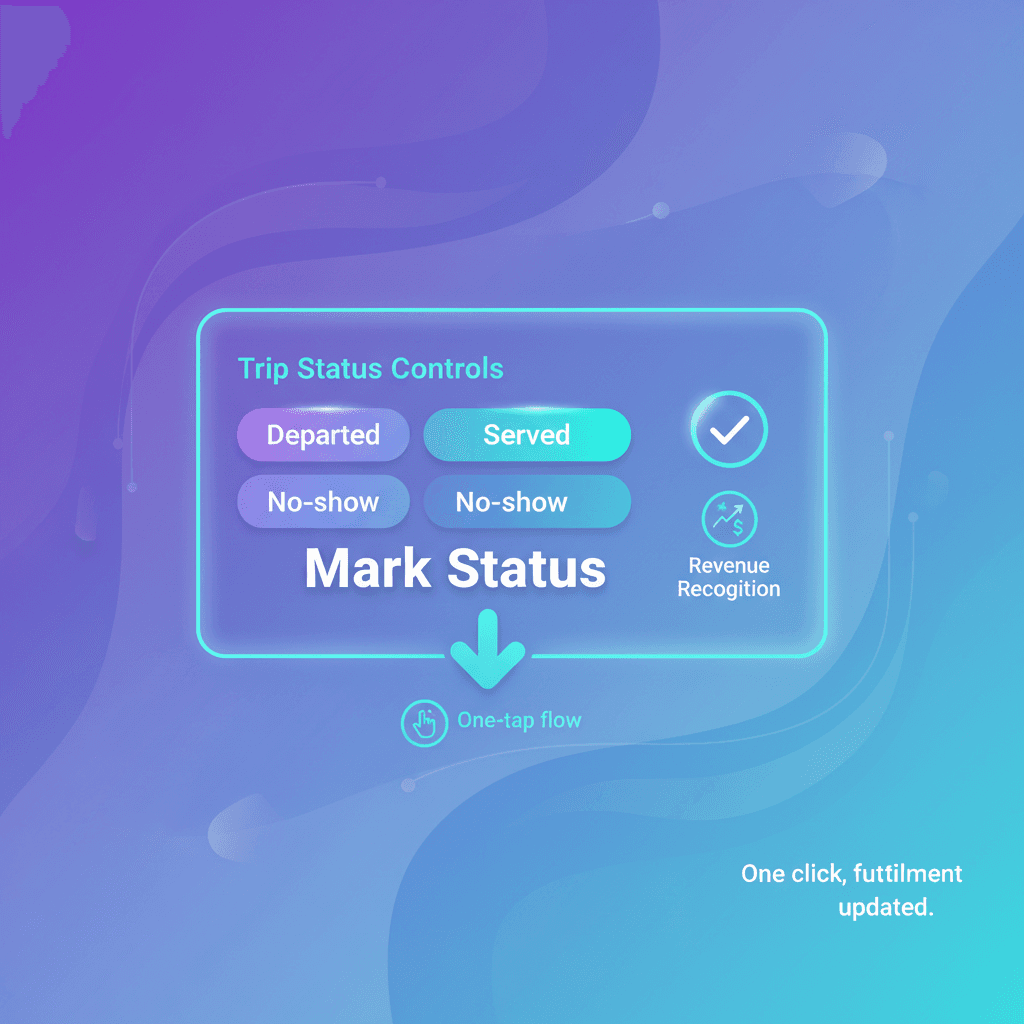
Trip left the dock? Mark departed. Divers came back? Mark served. No-show? One click. Status flows to fulfillment and revenue—no spreadsheets.
- Departed / Served / No-show status
- One-click status updates
- Fulfillment tracking automatic
- Revenue recognition when served
Fulfillment & Accounting
Reservations and accounting stay in sync. Served trips complete the booking and post revenue. Walk-ins and inventory flow into the same books.
- Integrates with reservations
- Auto-completion when marked served
- Revenue and inventory connected
- One platform for ops and finance
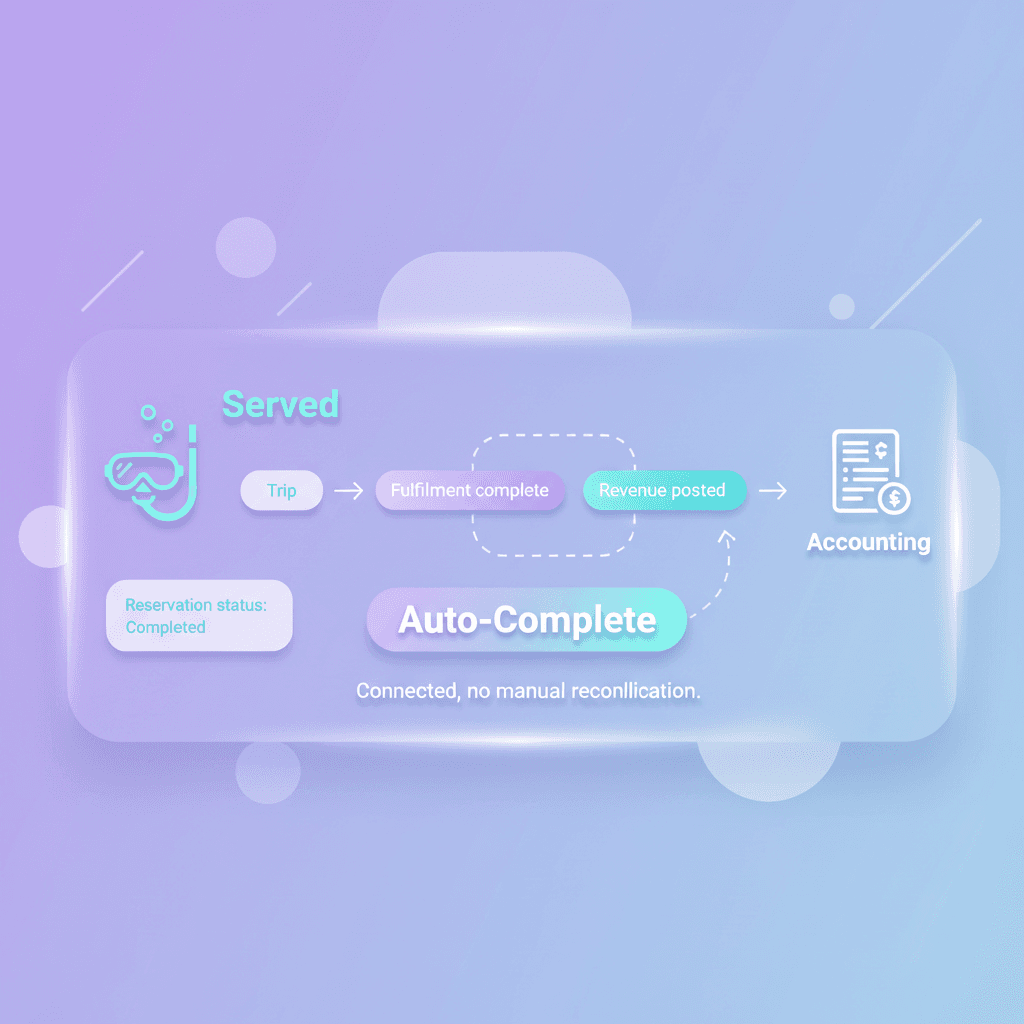
Before & After Qvian
Complete Dive Center Operations
Dive board, vessel scheduling, and fulfillment in one platform.
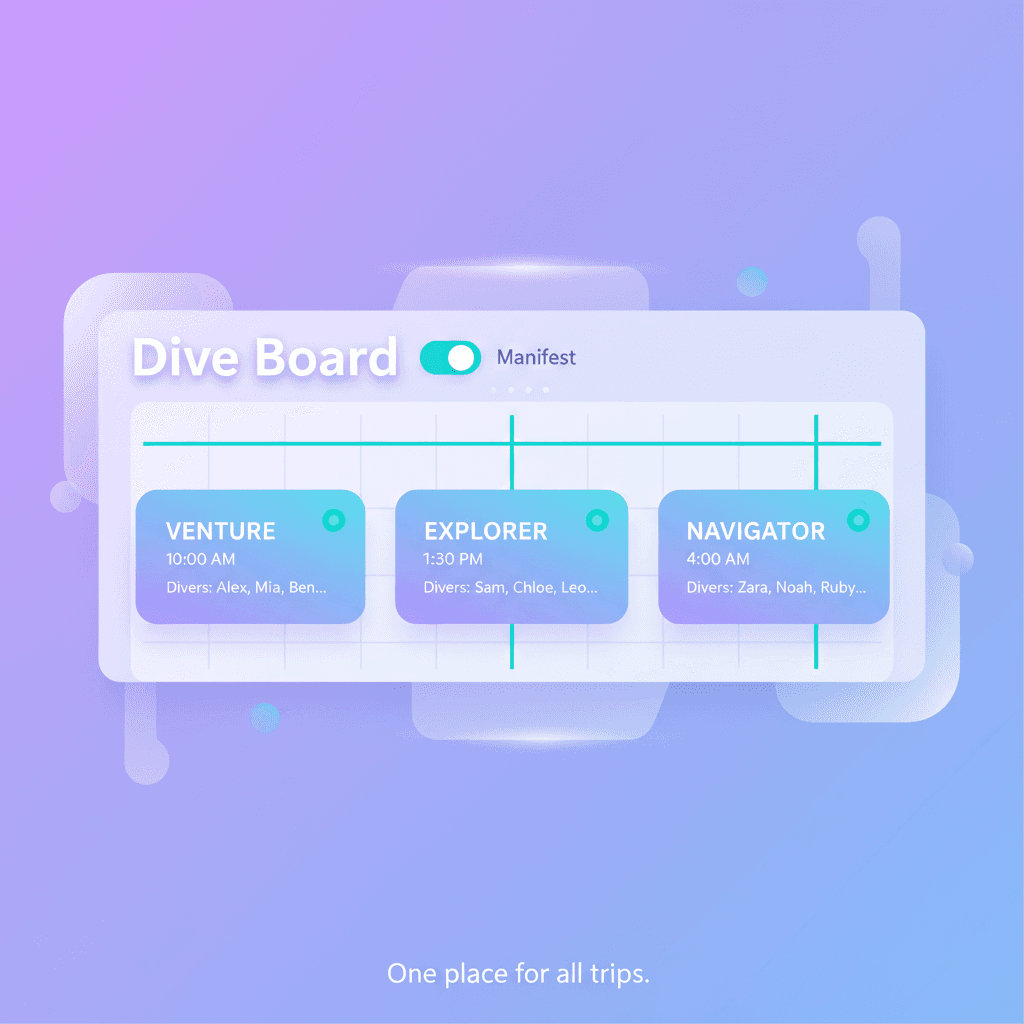
Dive Board & Manifests
Vessel cards with departures and diver manifests. See who's on each trip. Mark departed, served, no-show. One board for all vessels.
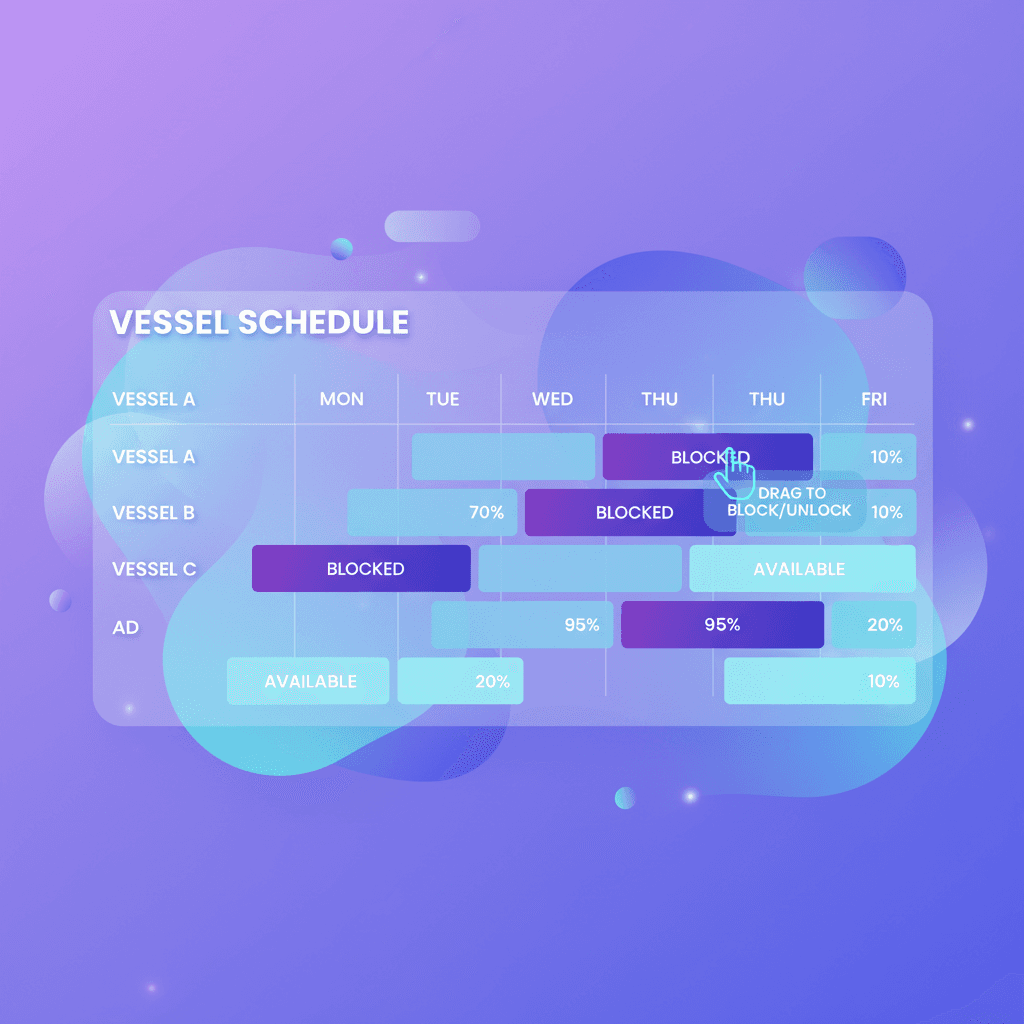
Vessel Allocations & Scheduling
Resource schedules by day and time slot. Block and unblock vessels. Capacity and bookings at a glance.
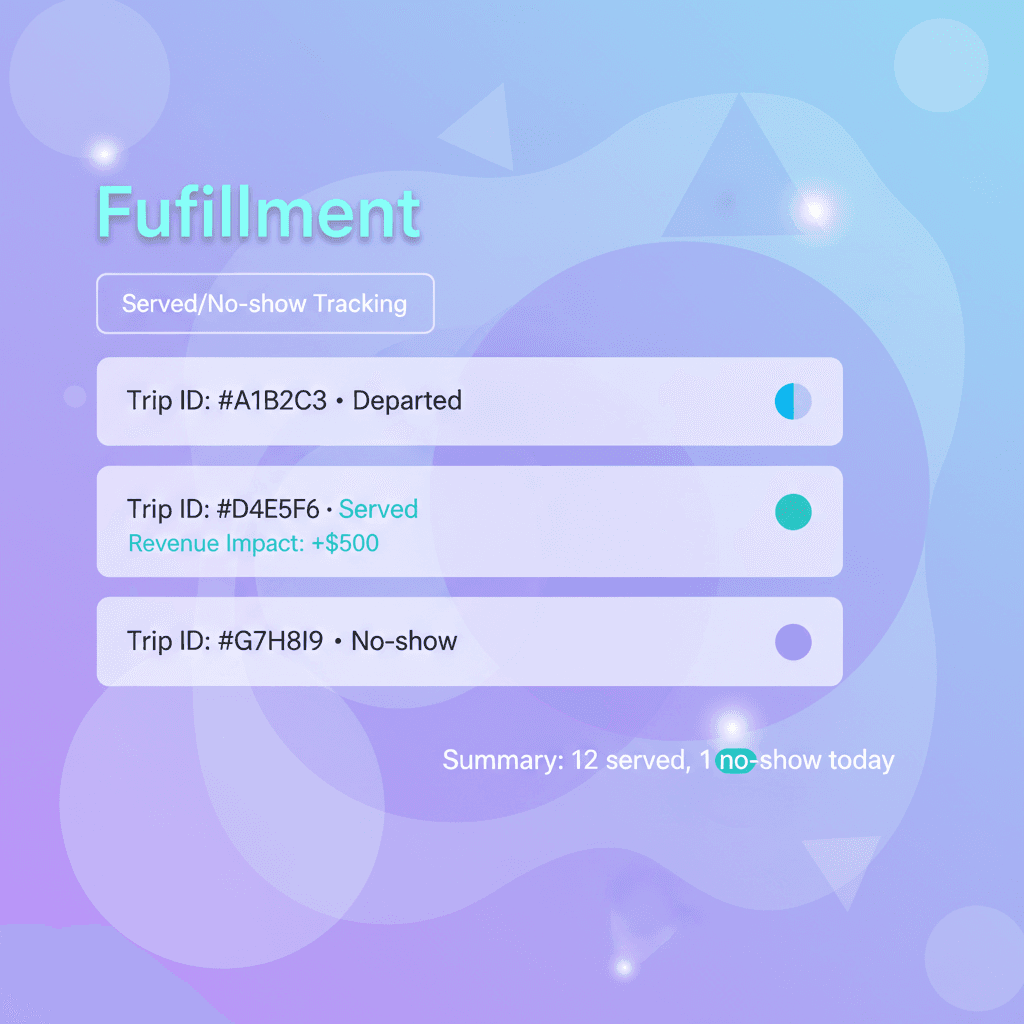
Fulfillment Tracking
Integrates with reservations. Walk-in divers supported. Auto-completion and revenue recognition when marked served.
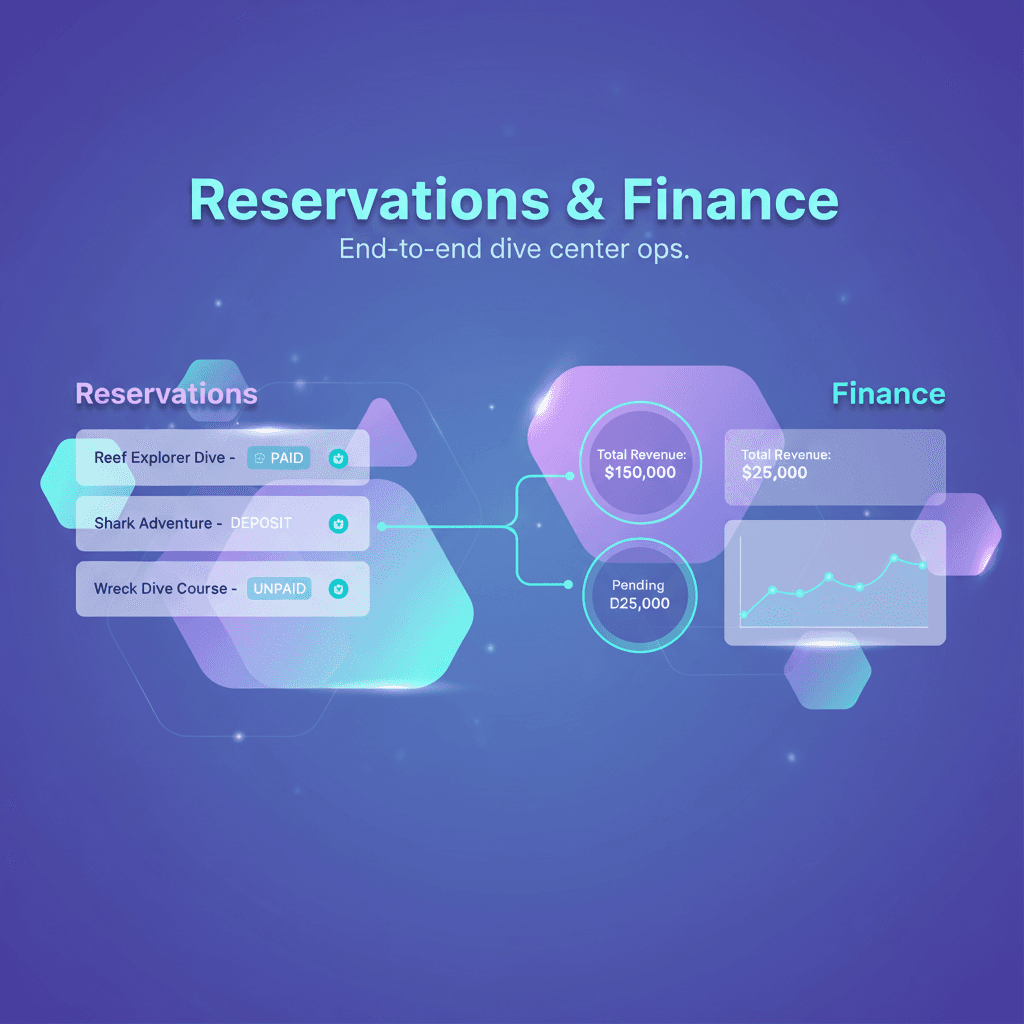
Reservations & Accounting
Bookings, payments, and revenue flow into one platform. Dive board and back office connected.
Complete Feature Set
Ready to Replace the Clipboard?
Join dive centers running trips with one board and real-time manifests.
Setup in 10 minutes.