
AI That Actually Works
Not a gimmick. AI that reads your invoices, extracts data, and answers your business questions in plain English. Real automation, real results.
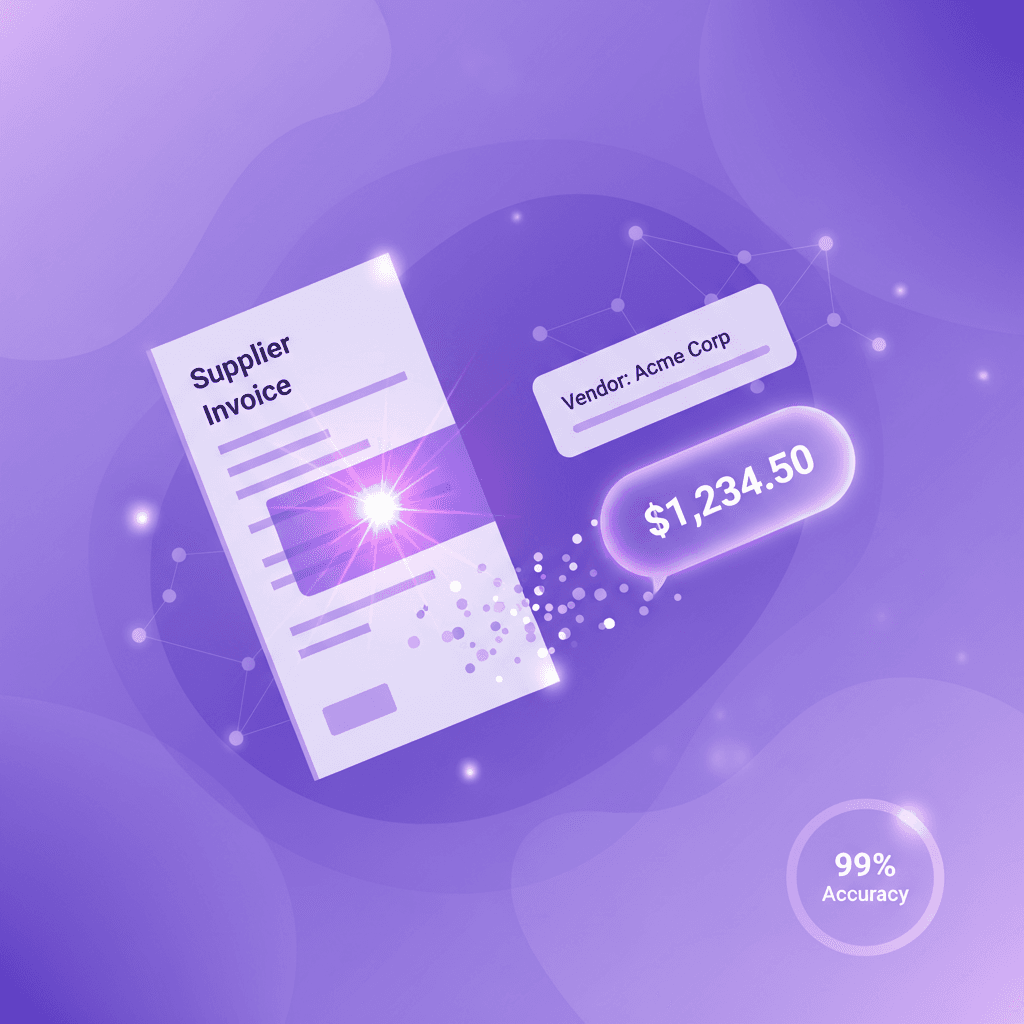
AI That Finds Opportunities You Can't See Yourself
Not just answers—actionable intelligence. Qvi discovers hidden profit opportunities, spots products losing traction, and tells you exactly where to focus.
See Qvi in action
What should I focus on to increase profit?
Found 3 hidden opportunities: 'Energy Drinks' has 40% unmet demand—you're losing $300/month to stockouts. 'Artisan Bread' is declining but has 35% margin—promote it now. 'Organic Snacks' is a turnaround play—momentum is building.
Any products I should worry about?
Yes—2 rescue candidates: 'Premium Tea' dropped 25% but margin is still great (save it before it dies). 'Imported Cheese' trending down fast. Also, 'Craft Beer' has hidden demand—you're only meeting 60% of it.
How do I set up recurring invoices?
Go to Sales → Recurring Invoices → Create New. Set the customer, frequency (weekly/monthly), and line items. The system will auto-generate invoices on schedule.
What Qvi can do
Find Hidden Opportunities
Discovers profit you're missing—unmet demand, rescue candidates, margin opportunities you can't see yourself.
Early Warning System
Spots products losing traction before they become dead stock. Save them while there's still time.
Query Your Data
Ask about sales, inventory, expenses in plain English. Get instant answers with real numbers.
Get How-To Help
Don't dig through menus. Ask how to do anything and get step-by-step guidance.
From Document to Data in Seconds
Upload anything. AI reads it. You approve it. Done.
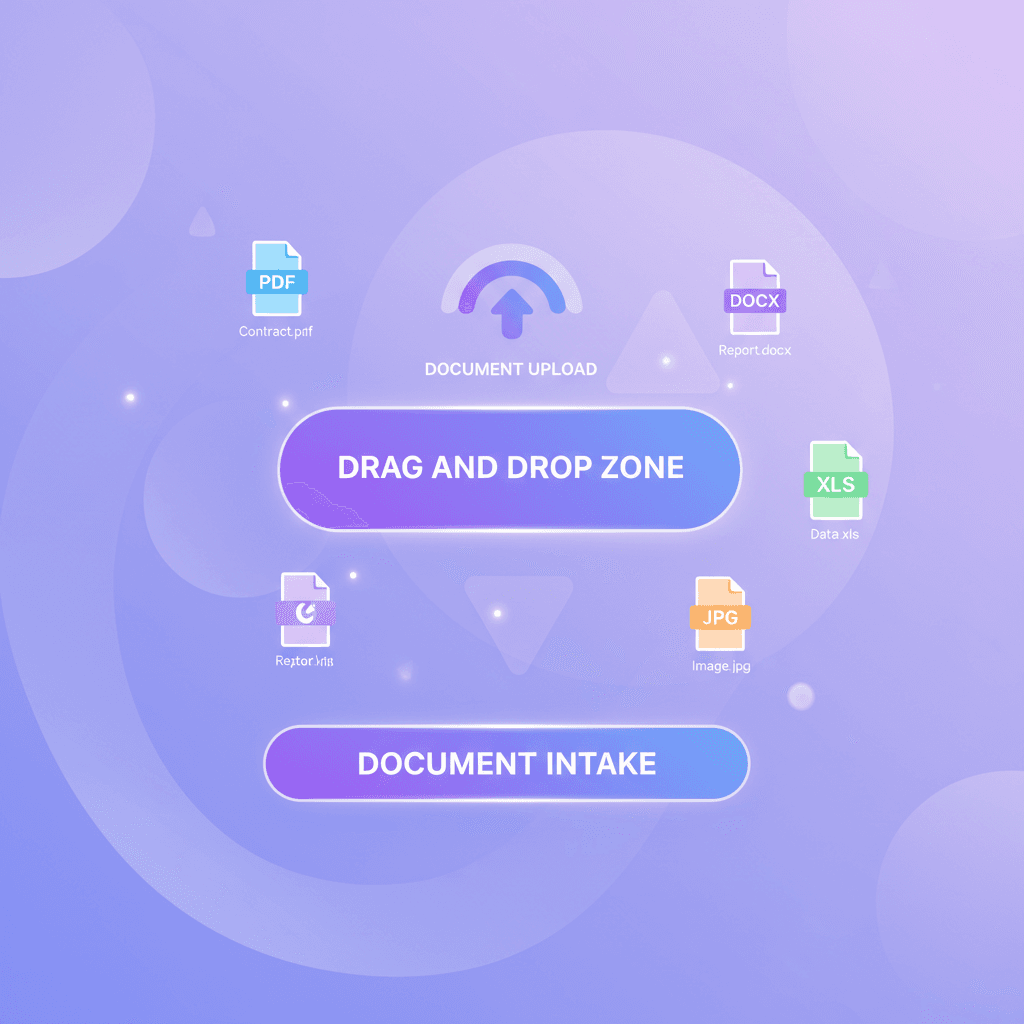
Upload Any Document
Drop a PDF, snap a photo, or forward an email. Our AI handles any format, any quality.
- PDF, image, scanned documents
- Email forwarding integration
- Mobile camera capture
- Batch processing support
AI Reads Everything
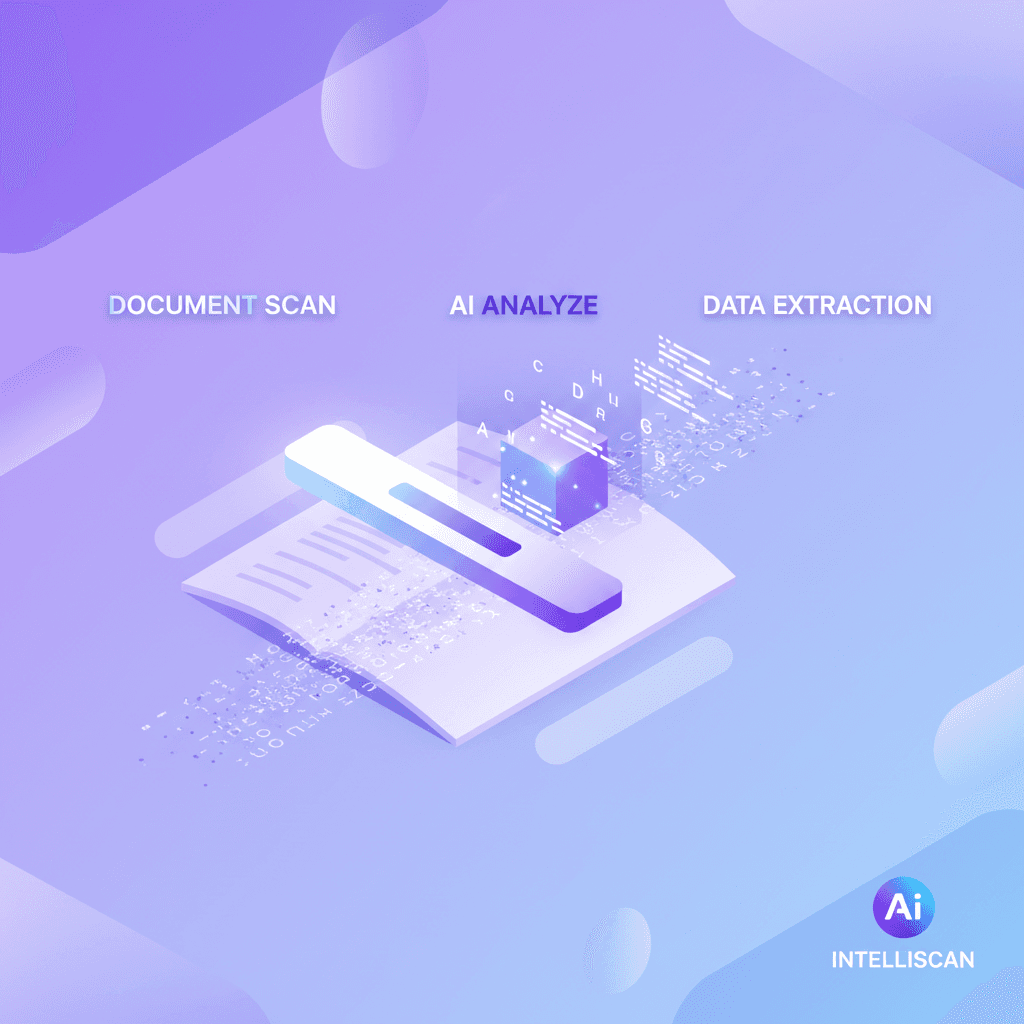
Within seconds, AI extracts every field, line item, and data point from your document.
- OCR for any text
- Table and line item parsing
- Multi-language support
- Handwriting recognition
Smart Field Mapping
AI maps extracted data to the right fields. Learns from your corrections over time.
- Auto-field mapping
- Supplier/customer matching
- GL account suggestions
- Continuous learning

Review and Post
Quick review screen. One click to approve. Accounting entries created automatically.
- Confidence scores shown
- Inline editing for corrections
- Automatic posting
- Audit trail preserved

Before & After Qvian AI
AI That Replaces Manual Work
Not vague "AI-powered" marketing. Real automation that saves real hours.
Invoice Extraction
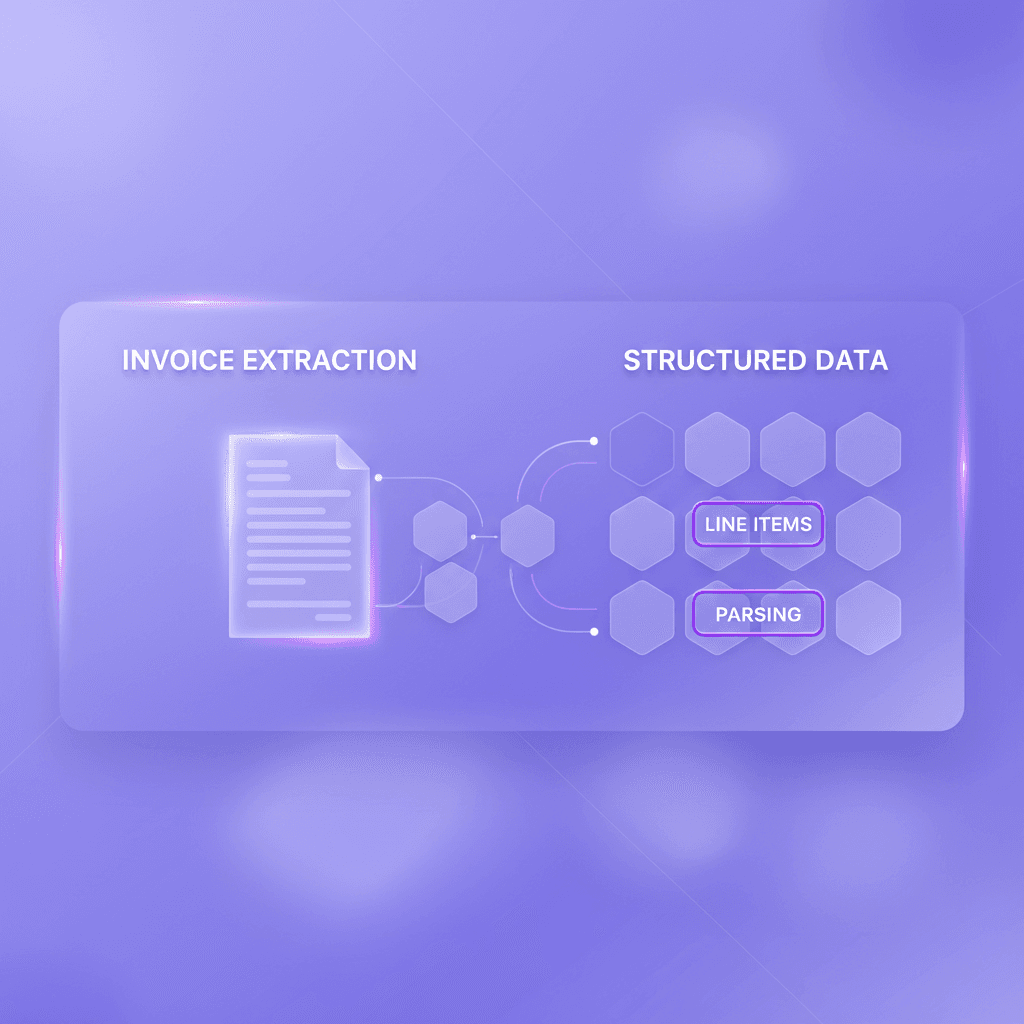
30 seconds vs 25 minutesUpload a supplier invoice. AI reads every line item, quantity, price, and tax. Posts to accounting automatically.
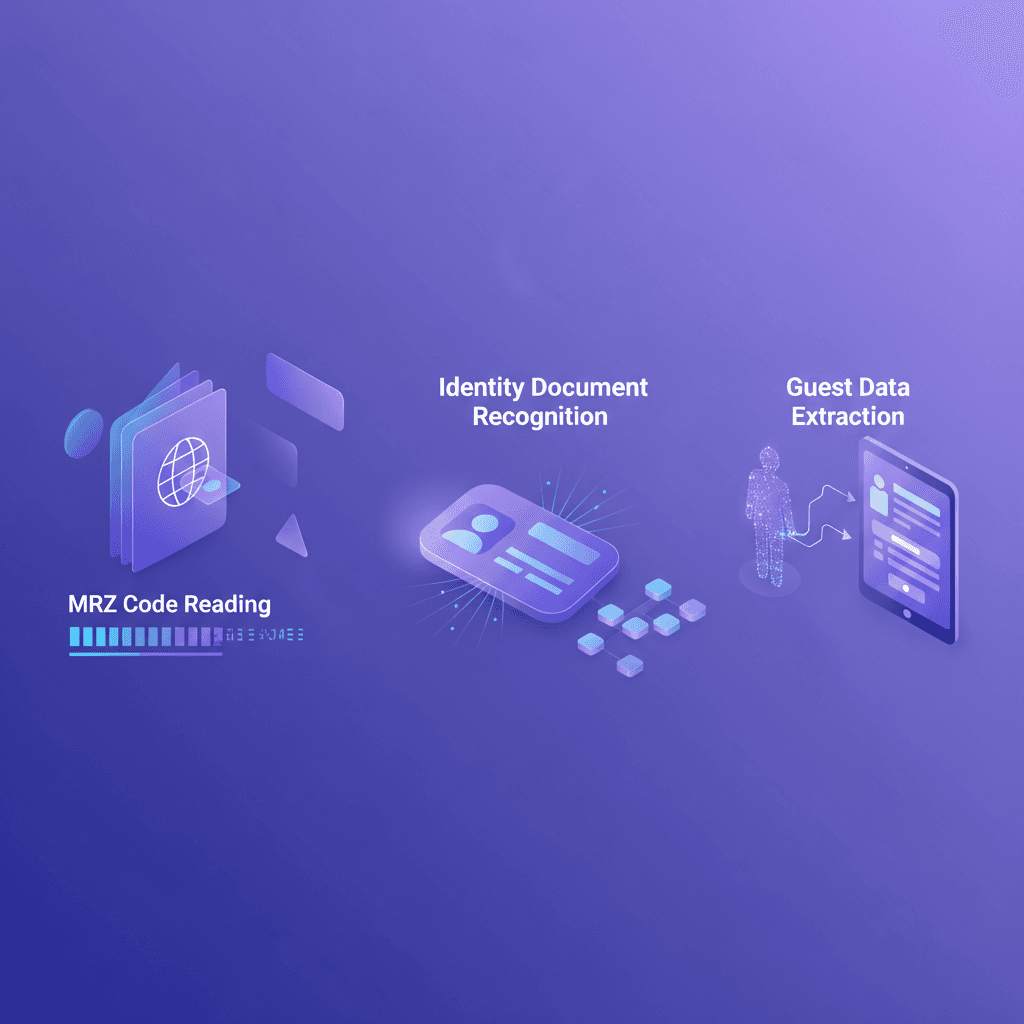
Passport/ID Reading
5 seconds vs 4 minutesGuest hands over passport. AI extracts name, nationality, ID number, expiry - all in 5 seconds flat.

Receipt Processing
2 minutes vs 15 minutesSnap a photo of any receipt. AI categorizes, extracts amount, suggests GL account. One tap to post.
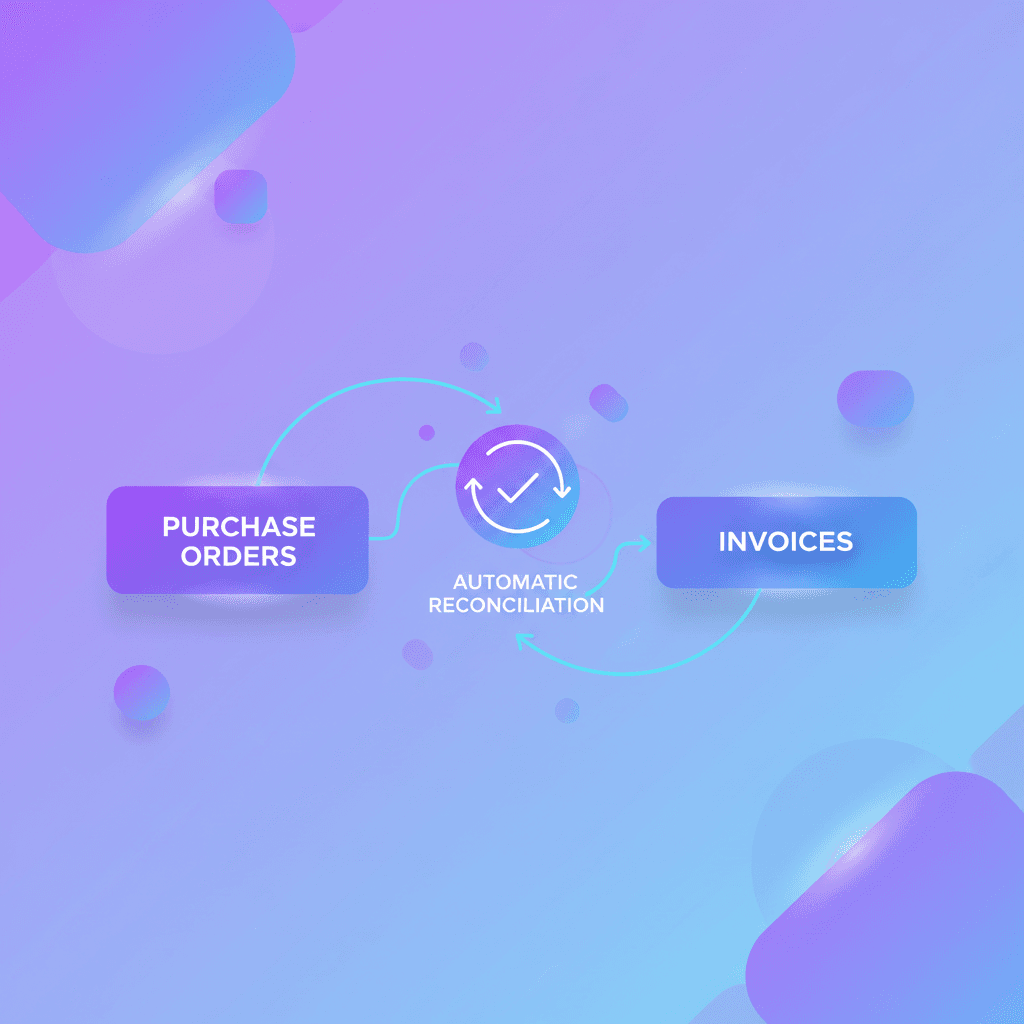
Smart Matching
99% match accuracyAI matches invoices to purchase orders, flags discrepancies, and learns your patterns over time.
Complete Feature Set
Ready to Stop Typing?
Let AI do the boring work. You focus on running your business.
Setup in 10 minutes.